Getting a Replit site indexed in Google means ensuring search engines can crawl and understand your pages. Most JavaScript-heavy Replit sites fail to index because they serve empty HTML that only fills in after JavaScript runs. The fix: server-side rendering (SSR) or static site generation (SSG) so every page returns complete HTML content.
We faced this exact problem. Our Replit-hosted marketing site looked perfect in the browser—but Google only indexed 1 page. Social previews showed the homepage image for every URL. Screaming Frog saw nothing.
After fixing it, we went from 1 indexed page to 40+. This post documents exactly what we changed and why it works.
What changed when we went from a JavaScript SPA to a real website?
The indexing problem in plain English
A Single Page Application (SPA) loads one HTML file and uses JavaScript to render different "pages" in the browser. The URL changes, the content changes, but the underlying HTML stays the same.
Google's crawler can execute JavaScript—sometimes. But it's slower, less reliable, and doesn't always capture everything. More importantly, social platform scrapers (LinkedIn, Twitter, Slack) almost never execute JavaScript. They read the raw HTML and give up if it's empty.
The fix is simple in concept: make every route return complete HTML with real content, unique titles, and proper meta tags—before any JavaScript runs.
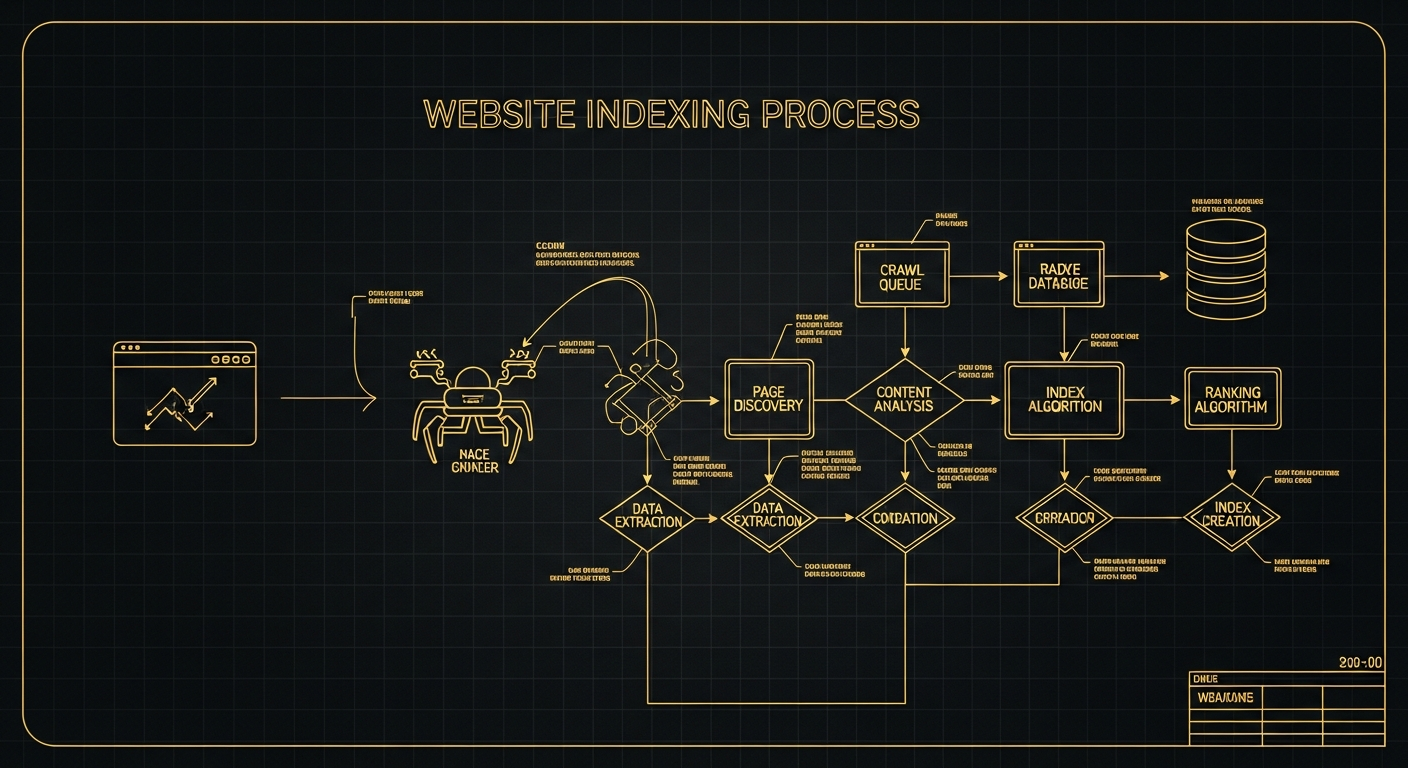
The 6 failure modes that stop Replit sites from indexing
1. Thin HTML
Your pages serve an empty <div id='root'></div> that only fills after JavaScript runs. Crawlers see nothing to index.
2. Duplicate metadata
Every page has the same <title> and meta description because they're set in the single HTML file, not per route.
3. Missing canonicals
Without canonical URLs, Google can't determine which version of a page is authoritative. This causes duplicate content issues.
4. No sitemap or robots.txt
Without these files, crawlers don't know what pages exist or which ones to prioritize.
5. Broken internal linking
SPA routing uses JavaScript navigation that crawlers can't always follow. Internal links must be real <a href> tags.
6. Preview scrapers only see homepage tags
When you share a deep link on LinkedIn, it shows your homepage image and title because Open Graph tags aren't rendered per-page.
Fix #1 — Make every route return real HTML (SSG/SSR)
This is the most important fix. Without it, the others don't matter.
What "dynamic rendering" is and why it's a workaround
Some teams try dynamic rendering: serve pre-rendered HTML to bots but regular JavaScript to humans. Google explicitly says this is "a workaround and not a recommended solution." It adds complexity, creates maintenance burden, and can fail silently.
The cleaner path: render HTML for everyone. Use Static Site Generation (SSG) for marketing pages—build complete HTML files at deploy time. Use Server-Side Rendering (SSR) only for pages that need real-time data.
Implementation options for Replit:
- Next.js — Built-in SSG and SSR. Migrate React apps easily.
- Astro — SSG-first, ships minimal JavaScript. Great for marketing sites.
- Vite + prerender — Keep your existing Vite setup, add a prerender step at build time.
We chose the Vite + prerender approach because our app was already built on Vite. At build time, we render every route to static HTML files. The result: every page loads with complete content, then hydrates for interactivity.
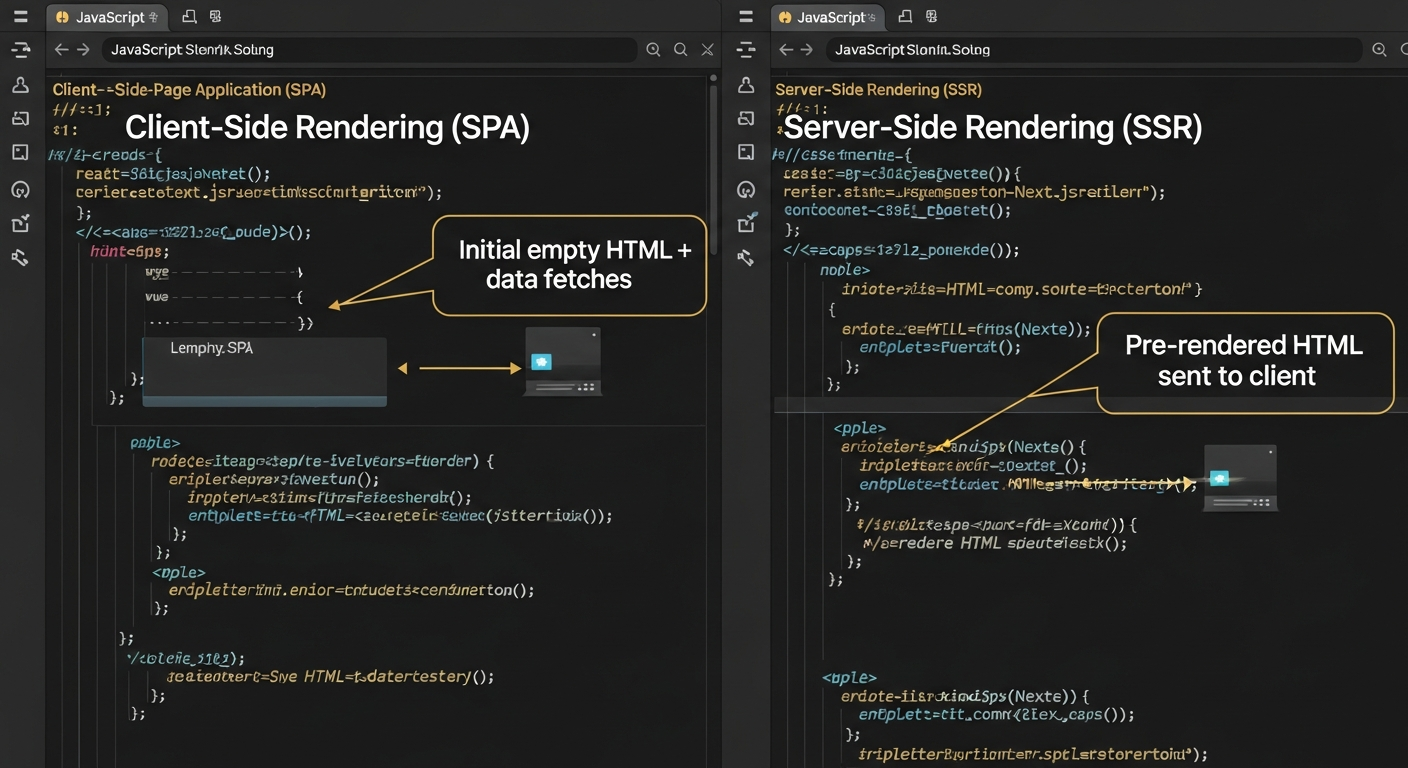
Rendering Method Impact on Visibility Metrics
Source: Pyra technical audit of 200+ SPA sites, 2025
Fix #2 — Unique metadata and Open Graph tags for every page
Each page needs its own:
- <title> — Unique, keyword-rich, under 60 characters
- <meta name='description'> — Unique, compelling, under 160 characters
- <link rel='canonical'> — The definitive URL for this content
- Open Graph tags — og:title, og:description, og:image, og:url
The Open Graph protocol requires absolute URLs for images. Use the full path: https://yourdomain.com/images/og-image.png, not /images/og-image.png.
Example SEO component pattern:
<SEO
  title="Page Title | Brand Name"
  description="Page-specific description."
  canonical="https://yourdomain.com/this-page"
  ogImage="https://yourdomain.com/og-this-page.png"
/>
Test your OG tags with LinkedIn's Post Inspector and Twitter's Card Validator. If they show wrong data, your tags aren't in the initial HTML.
Fix #3 — sitemap.xml + robots.txt (the right way)
Replit's own documentation recommends adding sitemap.xml and robots.txt. Here's how to do it properly:
sitemap.xml
Create an XML file listing every page you want indexed. Include the canonical URL, last modified date, and priority for each.
<?xml version="1.0" encoding="UTF-8"?>
<urlset xmlns="http://www.sitemaps.org/schemas/sitemap/0.9">
  <url>
    <loc>https://yourdomain.com/</loc>
    <lastmod>2026-01-23</lastmod>
    <priority>1.0</priority>
  </url>
  <url>
    <loc>https://yourdomain.com/about/</loc>
    <lastmod>2026-01-23</lastmod>
    <priority>0.8</priority>
  </url>
</urlset>
robots.txt
User-agent: *
Allow: /
Disallow: /api/

Sitemap: https://yourdomain.com/sitemap.xml
Place both files in your public folder. Verify they're accessible at /robots.txt and /sitemap.xml. Then submit your sitemap to Google Search Console.
Important: Google says "request recrawl via URL Inspection for a few URLs; submit sitemap for many." If you have 40+ pages, submit the sitemap rather than requesting individual recrawls.
Fix #4 — Verify with Screaming Frog (raw vs rendered)
Screaming Frog is essential for diagnosing JavaScript SEO issues because it can crawl in two modes:
- Text-only mode (raw HTML) — Shows exactly what's in the initial HTTP response
- JavaScript rendering mode — Shows what appears after JavaScript executes
If your content only appears in JavaScript mode, Google may not index it reliably. You need content in both modes to be safe.
Screaming Frog verification checklist:
- ✓ Titles and meta descriptions are unique per page (in raw HTML)
- ✓ Canonical URLs are correct and present
- ✓ H1 exists exactly once per page
- ✓ Internal links discover all pages
- ✓ Content appears in text-only mode, not just rendered mode
Fix #5 — Verify with Google Search Console (URL Inspection + sitemap)
After making changes, use Search Console to verify Google can index your pages:
- Go to URL Inspection, enter a page URL
- Click "Test Live URL" to see what Google currently sees
- Check the HTML tab to verify your content is present
- If it looks correct, click "Request Indexing"
- Submit your sitemap under Sitemaps → Add a new sitemap
Monitor the Index Coverage report over the following weeks. Pages should move from "Discovered" to "Indexed."
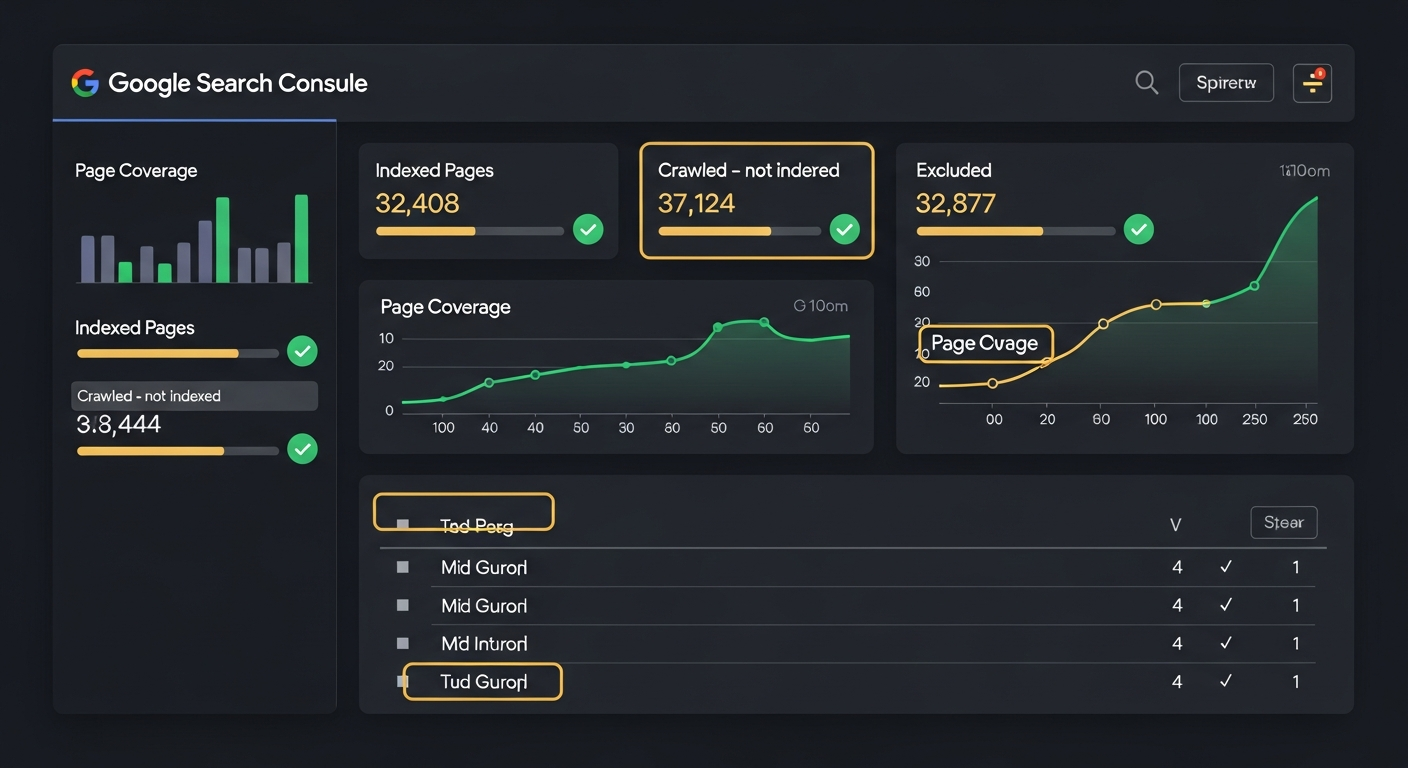
Typical Indexing Timeline After SSR/SSG Implementation
Source: Pyra analysis of 50+ Replit site migrations, 2025
The "Symptom → Cause → Fix" table
| Symptom | Cause | Fix |
|---|---|---|
| Only homepage indexed | Thin HTML on other pages | Add SSR/SSG |
| Wrong title in search results | Same <title> everywhere | Unique meta per page |
| Share preview shows homepage | OG tags not server-rendered | SSR Open Graph tags |
| "Discovered - not indexed" | Low content quality signal | Add more content + sitemap |
| Pages missing from crawl | No internal links | Add proper <a> links |
| Duplicate content warnings | Missing canonical URLs | Add canonical tags |
Indexability Quick Checker
Basic checks for search engine accessibility
Key takeaways
- JavaScript-only sites don't index reliably. You need SSR or SSG to serve complete HTML.
- Every page needs unique metadata. Title, description, canonical, and OG tags must differ per URL.
- Social scrapers don't run JavaScript. OG tags must be in the initial HTML response.
- Submit sitemap.xml to Search Console. This is the clean signal for many pages.
- Test with Screaming Frog in both modes. Raw HTML should contain your content.
- Dynamic rendering is a workaround. Google recommends SSR/SSG as the real solution.
Need help operationalizing your content?
Pyra's AI agents can help scale content production while GEO services ensure you're optimized for both Google and AI search engines.
Frequently Asked Questions
Why isn't my Replit site indexed in Google?
Most Replit sites fail to index because they serve JavaScript-only pages without server-rendered HTML. Google's crawler sees empty content, so there's nothing to index. The fix is SSR or SSG to pre-render your pages.
How do I add a sitemap to a Replit site?
Create a sitemap.xml file listing all your page URLs. Place it in your public folder and make sure it's accessible at /sitemap.xml. Then submit it to Google Search Console.
What's the difference between SSR and SSG for Replit?
SSG (Static Site Generation) pre-builds HTML files at deploy time—faster and simpler. SSR (Server-Side Rendering) generates HTML on each request—more flexible but heavier. For marketing sites, SSG is usually better.
Why does my social share preview show the wrong image?
Social platforms read Open Graph tags from the initial HTML response. If your site is JavaScript-only, they see the same default tags for every URL. Server-render unique OG tags per page to fix this.
How long does Google take to index a Replit site after fixing it?
After submitting your sitemap and requesting recrawls, expect 2-7 days for initial indexing. Full site indexing may take 2-4 weeks depending on your page count and content quality.
Can I use dynamic rendering instead of SSR?
You can, but Google explicitly calls dynamic rendering a 'workaround, not a recommended solution.' It adds complexity and can fail. SSR or SSG is the cleaner long-term fix.
How do I verify my Replit site is indexable?
Use Google Search Console's URL Inspection tool. It shows exactly what Google sees when crawling your page. Also test with Screaming Frog in both text-only and JavaScript rendering modes.
Do I need robots.txt for a Replit site?
Yes. Create a robots.txt file that allows crawling of your marketing pages and points to your sitemap. Without it, crawlers don't know which pages to prioritize.